How to send us logs and save files (and why you should do that)
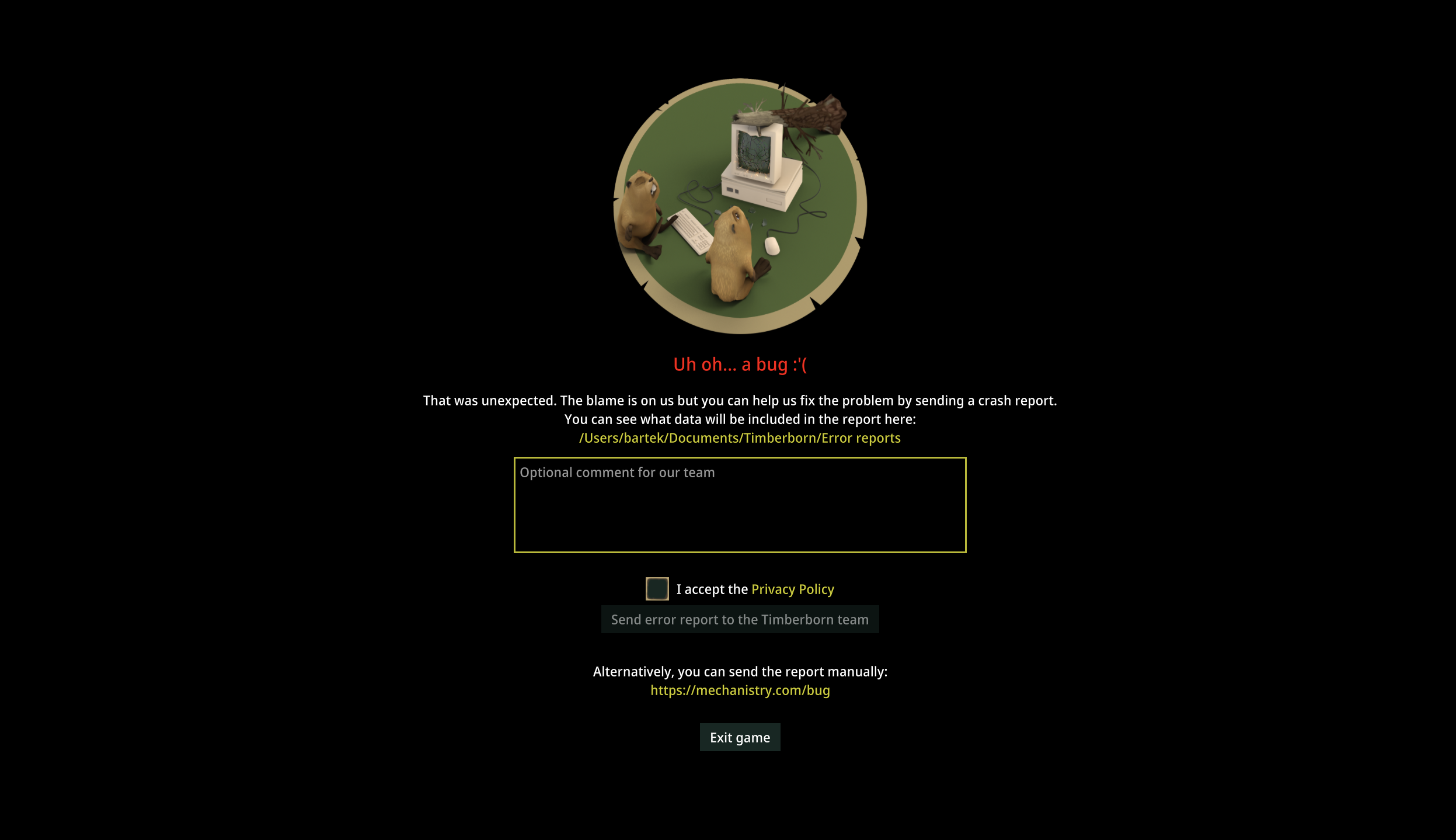
When Timberborn stops working, you should see a screen that allows you to send an anonymous crash report (see below). These reports are invaluable for our programmers, helping them identify the cause of your game's death and find a fix. Logs and saves help us find other Timberborn bugs as well.
Sometimes, however, the post-crash screen doesn't appear. If that's the case please send the logs and saves manually using our dedicated e-mail address: logs@mechanistry.com.
Where to find the logs and saves you can attach?
*Save games (Windows):
C:\Users\[user]\Documents\Timberborn
*Logs (Windows):
C:\Users\[user]\AppData\LocalLow\Mechanistry\Timberborn
*Save games (macOS):
~/Documents/Timberborn
*Log files (macOS):
~/Library/Logs/Mechanistry/Timberborn
Note that the AppData (Windows) and Library (macOS) directories might be hidden in your file browser.
Thanks!
Comments: 2
Oldest
•
Newest
•
Most likes
•
Fewest likes
-
16 Sep, '21
GuppyHighlighted comment
Linux ( Proton )
*Save games:
~/.steam/steam/steamapps/compatdata/1062090/pfx/drive_c/users/steamuser/My Documents/Timberborn/
*Log files:
~/.steam/steam/steamapps/compatdata/1062090/pfx/drive_c/users/steamuser/My Documents/Timberborn/Error reports/ -
31 Oct, '25
Wizard^^GOG [Heroic/Lutris with WINE or Proton]
Saves
~/Documents/Timberborn which is linked from ~/Games/Heroic/Prefixes/default/Timberborn/drive_c/users/steamuser//My Documents/Timberborn/
Logs ~Games/Heroic/Prefixes/default/Timberborn/drive_c/users/steamuser/AppData/LocalLow/Mechanistry/Timberborn/