Missing In-Game Icons and Texts on macOS Ventura
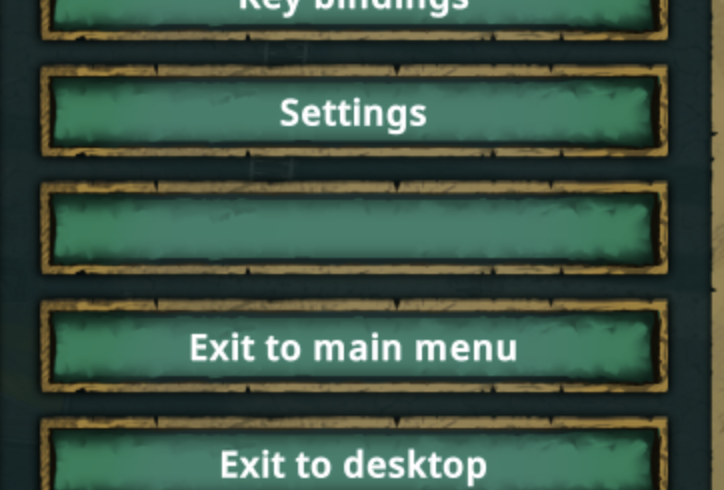
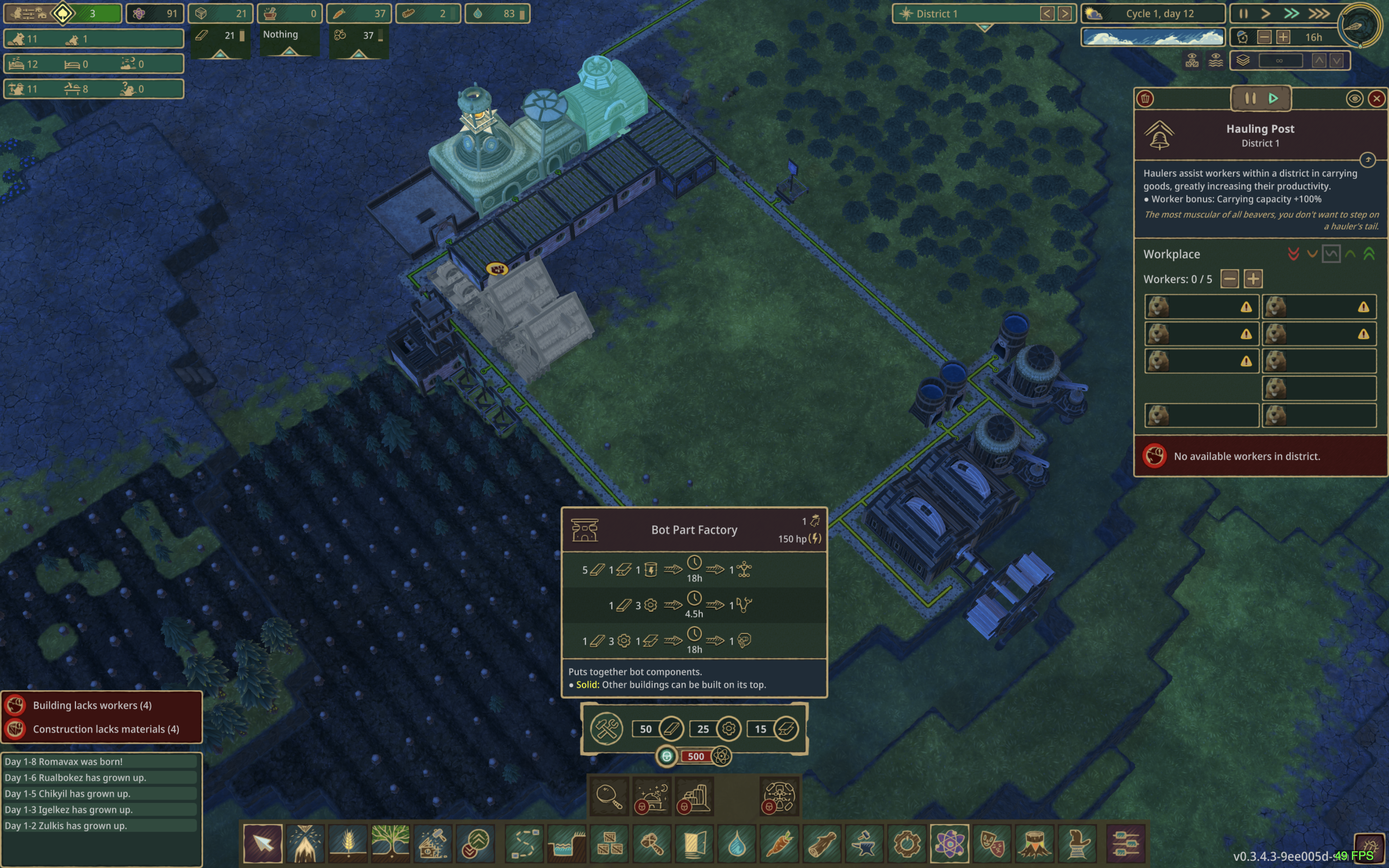
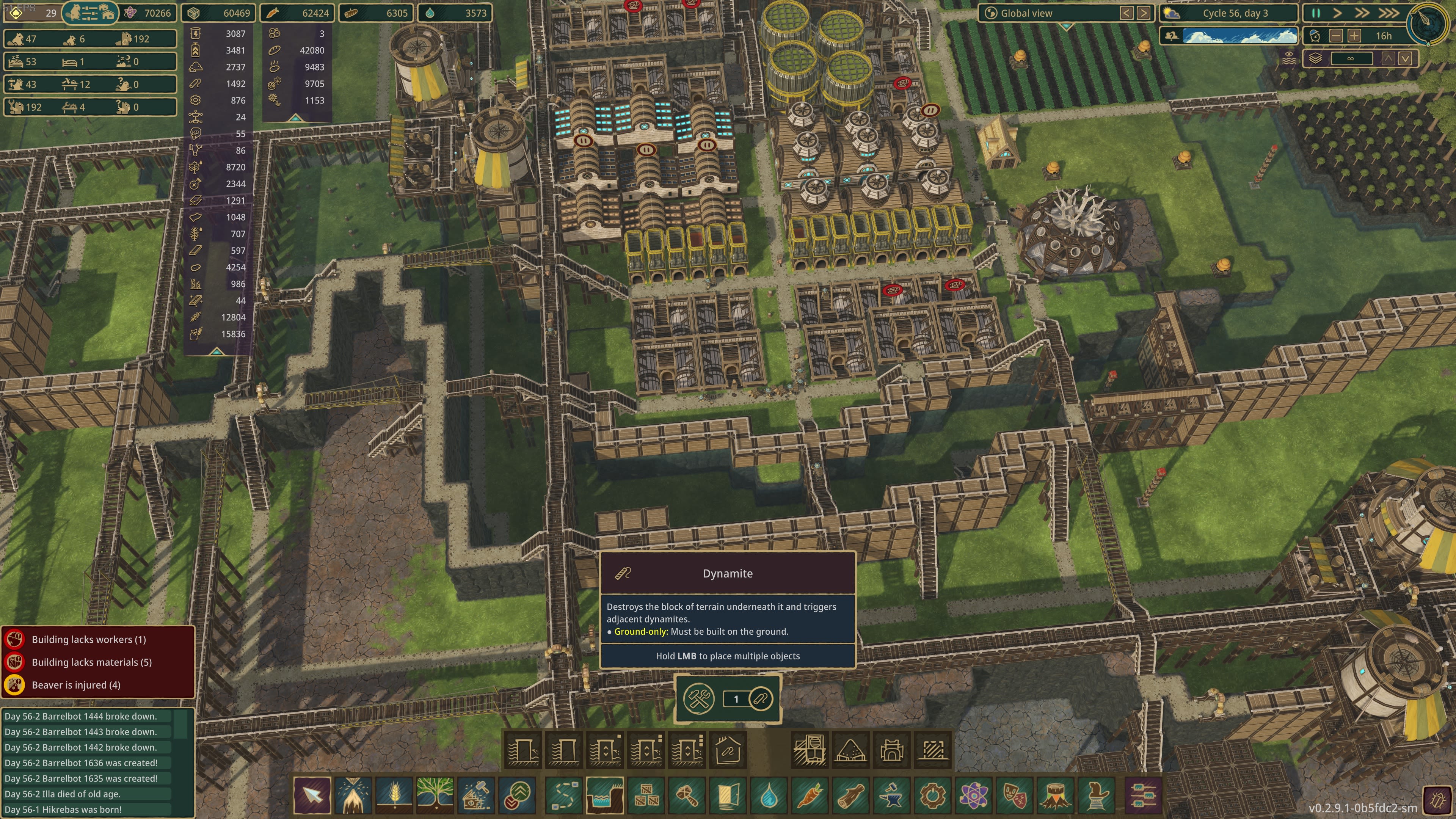
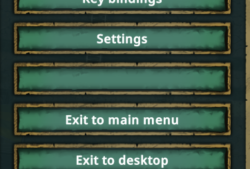
Since the upgrade to macOS Ventura, some of the in-game icons and texts are not showing. The affected icons and texts aren't consistent. (i.e. sometimes dynamite icon is missing, but other times it's explosive factory) At the time of the writing, affected icons were Maple from Plant Tree menu, Dynamite from Landscaping, Teeth Grindstone from Well-Being. Some of the other icons/texts I've seen missing: Save Game text from menu called from ESC disappearing, and x2 speed button missing, golem icon missing from Distribution Post.
Comments: 7
Oldest
•
Newest
•
Most likes
•
Fewest likes
-
20 Nov, '22
nmcvaughHighlighted comment
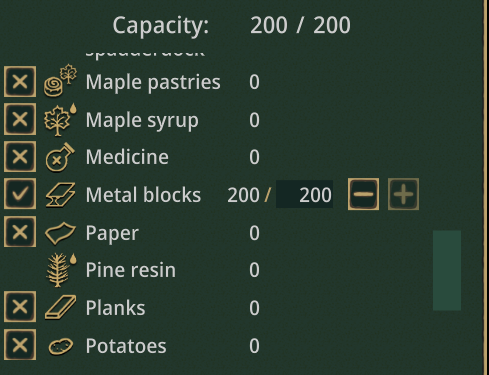
Can confirm the same issue, definitely related to Ventura. Upgraded yesterday, same build of game. Same behavior random icons missing, or text lists with clipping (see attached image, bottom line of the checkbox for Paper clipped by missing checkbox for Pine Resin.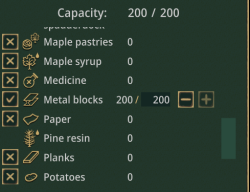
-
18 Dec, '22
OskarSame problem here on Ventura, missing for a lot of different UI elements, even in the menu.
-
21 Dec, '22
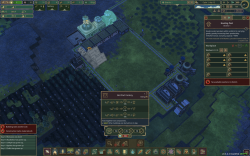
Robert+1Multiple restarts gives different missing images each time. (P.S. I spent a long time on a save really confused about why I wasn't able to unlock the lumbermill.... XD)
-
22 Dec, '22
RianLatest patch seems to have fixed the issue for me as well. I'll keep an eye out, just in case I missed it.